Install BlindBox
Get started with BlindBox on your devices.
macOS, Windows, Android, and iPhone are ready today. Pick your device below to get started.
Desktop
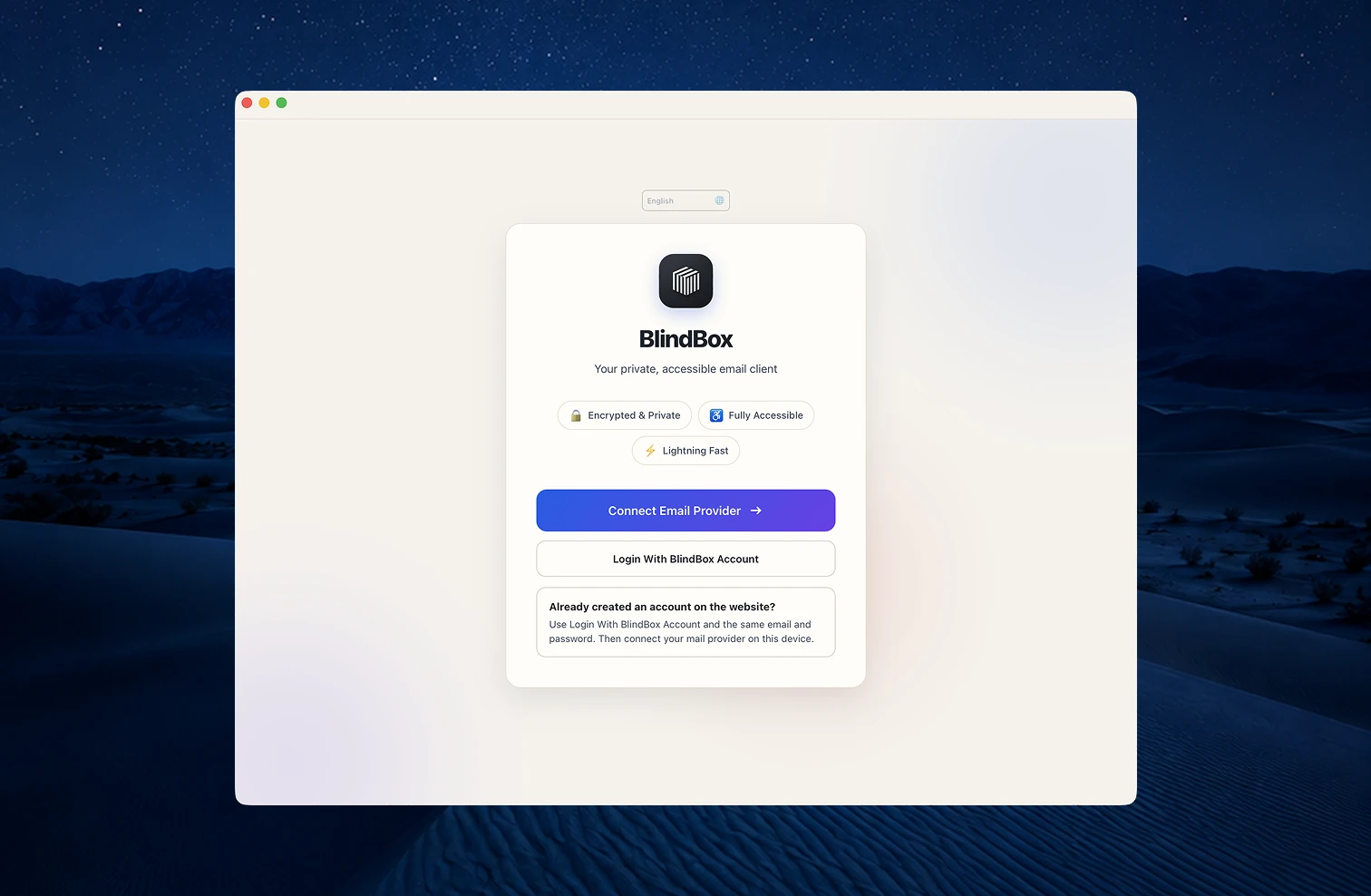
Desktop apps
Install on macOS or Windows for a full desktop workspace with keyboard-rich workflows and the complete BlindBox toolkit.
Download for macOS
Windows
Desktop AppMobile
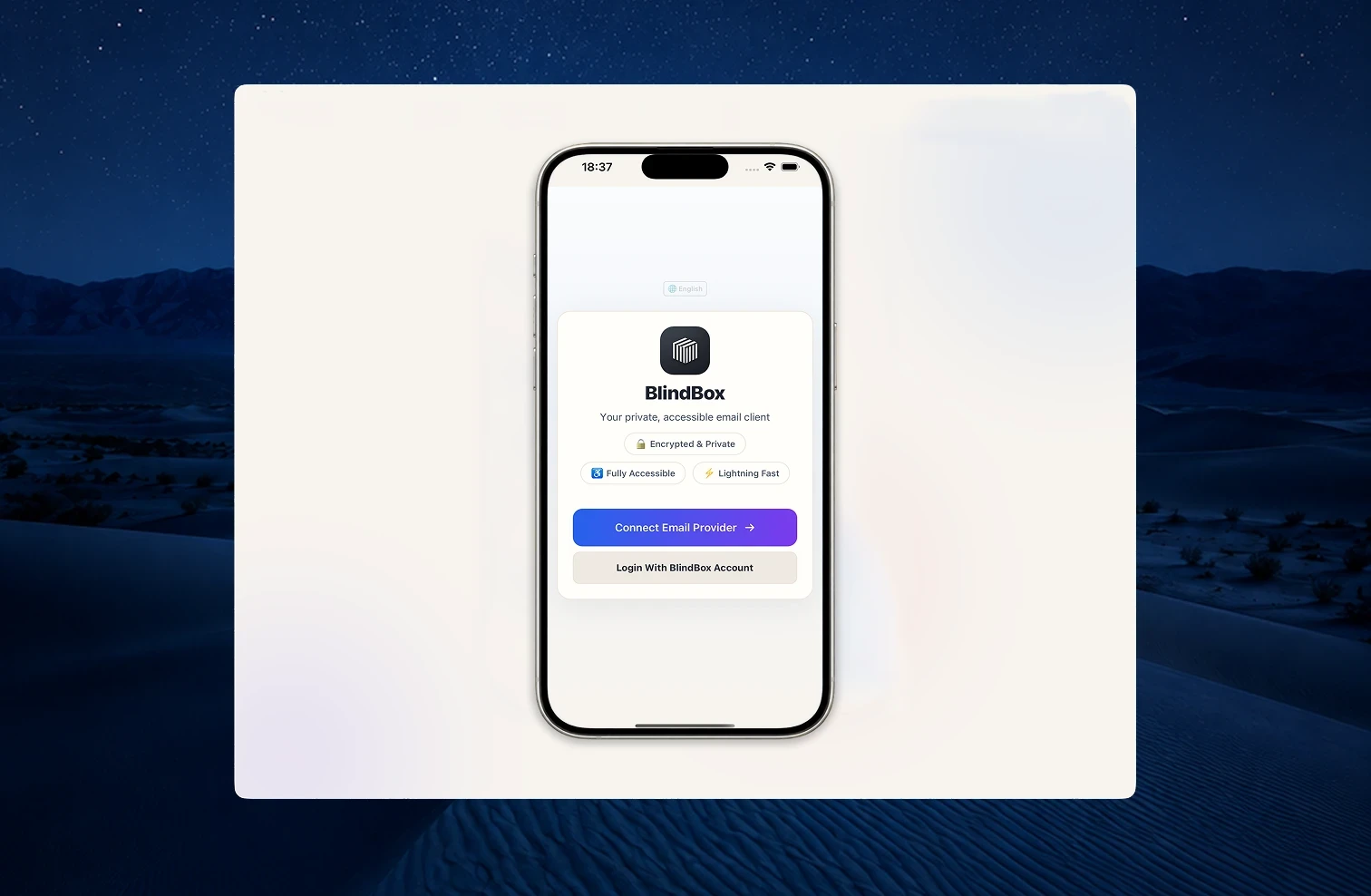
Mobile apps for iOS and Android
Phone apps built for VoiceOver and TalkBack
iPhone
App StoreAndroid
Google PlayOnboarding
Comfortable from the first launch.
Onboarding stays short: install, connect accounts, then tune comfort settings for how you work on that device.
Step 1 of 4
Create your BlindBox profile
Sign up on the website, or in the app with Login With BlindBox Profile after you already have one. The same email and password work on desktop, mobile, and the web.
Step 2 of 4
Download for your device
Choose the desktop app for macOS or Windows, or install the mobile app from Google Play or the App Store.
Step 3 of 4
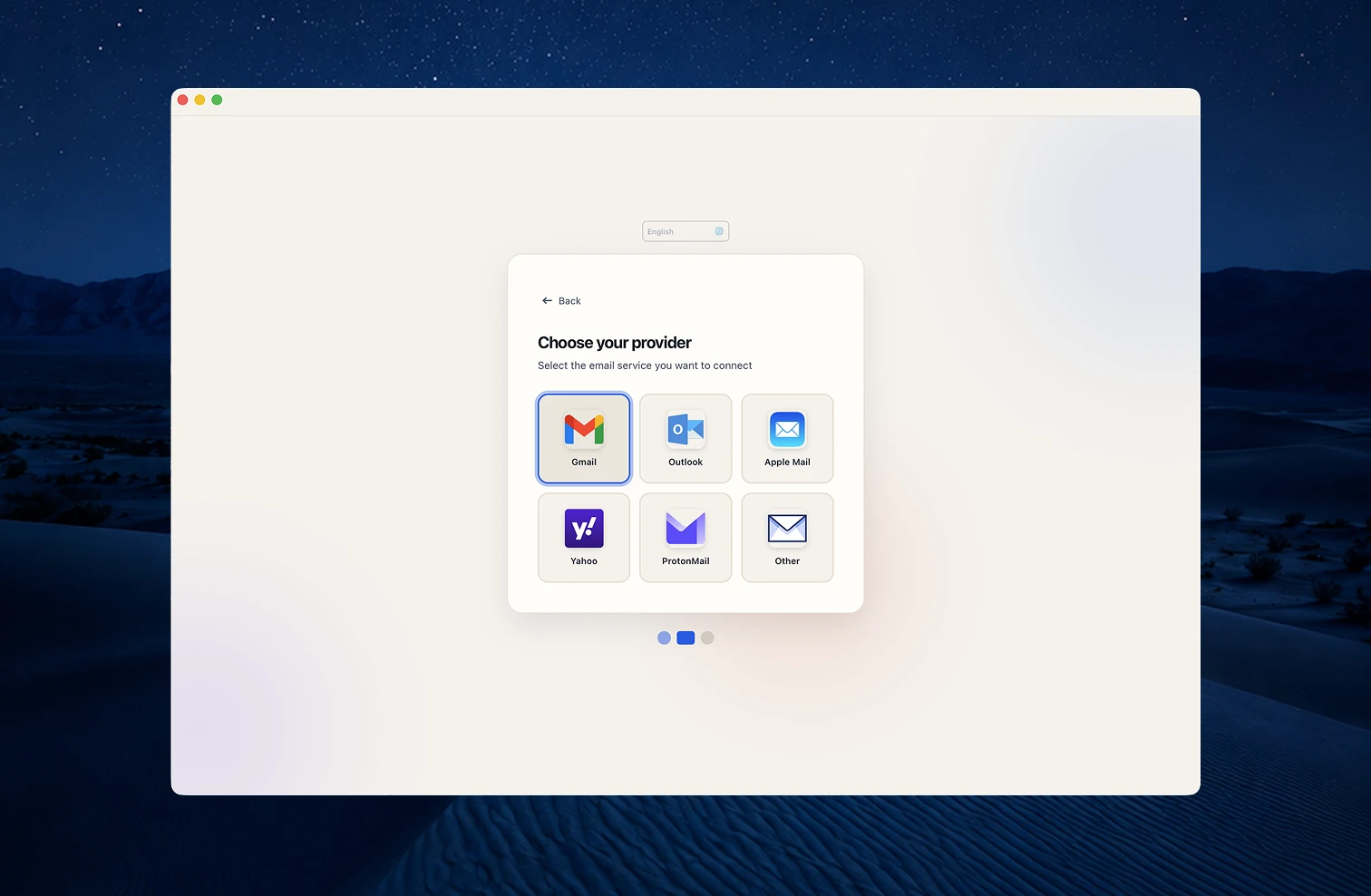
Connect your mail provider
If you signed in with a BlindBox profile first, choose Connect a Mailbox and link Gmail, Outlook, or another provider on that device.
Step 4 of 4
Choose your plan
Subscribe through Stripe-hosted Checkout on the website or desktop, then use BlindBox on every device.
FAQ
Installation questions
Common questions about downloading BlindBox, setting up your account, and getting help if you run into trouble.
How do I get started with BlindBox?
Create a BlindBox profile, download the app for your device, then connect your email provider. You can start with a 14-day free trial and use the same account across your devices.
Do I need a BlindBox profile before installing?
You can install first and create your account in the app, or sign up on the website and use Login With BlindBox Profile on any device. The same email and password work everywhere.
Which mail providers work with BlindBox?
BlindBox works with Gmail, Outlook, Yahoo, iCloud, and most other providers that support standard mail protocols.
What if I need help installing?
Email hello@blindbox.email for installation support. Organizations can request dedicated onboarding help when rolling out seats.
Teams & Organizations
Bring everyone along
BlindBox is built for collaboration. We offer dedicated support for teams, including volume licensing options that scale with your organization.
Get started
We’re here to help you get started
Download BlindBox today and discover a better way to handle your mail. If you have any questions or need installation support, our team is ready to help.