Orientation
Built for your screen reader
Landmarks, skip links, and predictable focus keep VoiceOver, TalkBack, NVDA, and JAWS oriented. Spoken announcements and optional tones confirm sends, refreshes, and moves—so you never wonder if it worked.
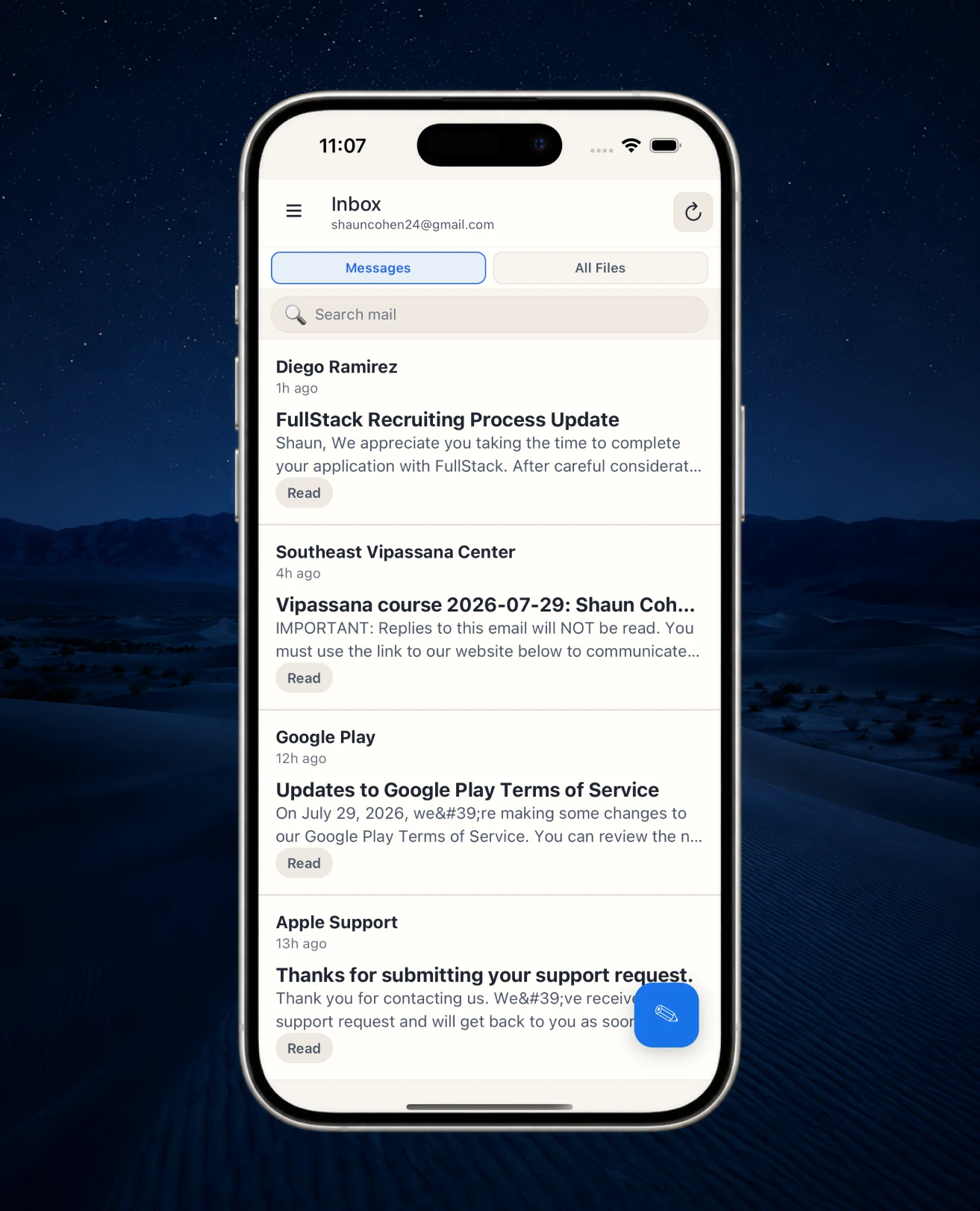
Email built for your accessibility
BlindBox is the only email designed specifically for the blind and visually impaired. Stay oriented and move through your inbox with confidence on both desktop and mobile.
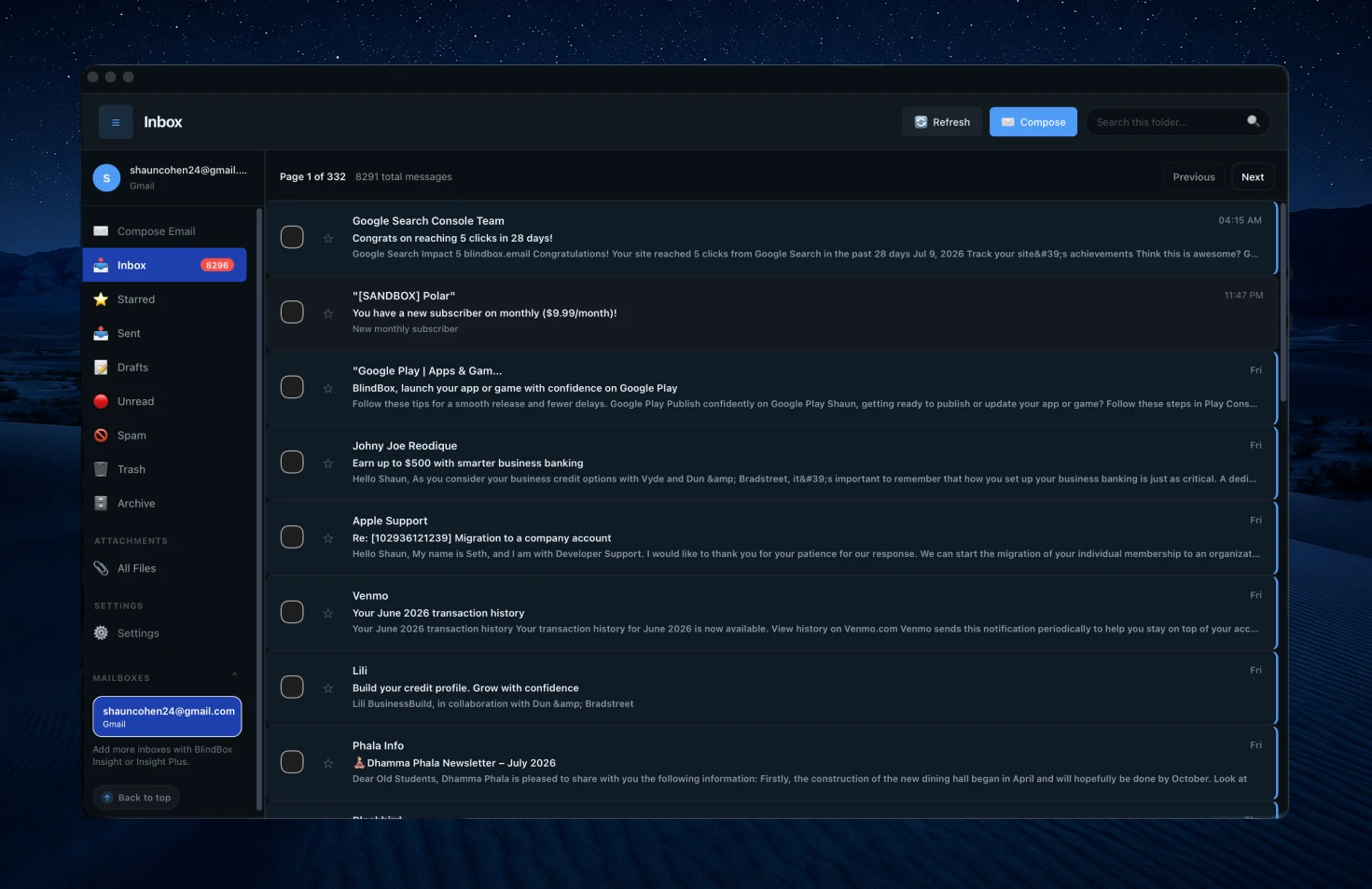
What sets BlindBox apart
Reliable navigation, clear feedback, custom apps on every device, and AI that turns attachments into something you can actually use.
Orientation
Landmarks, skip links, and predictable focus keep VoiceOver, TalkBack, NVDA, and JAWS oriented. Spoken announcements and optional tones confirm sends, refreshes, and moves—so you never wonder if it worked.
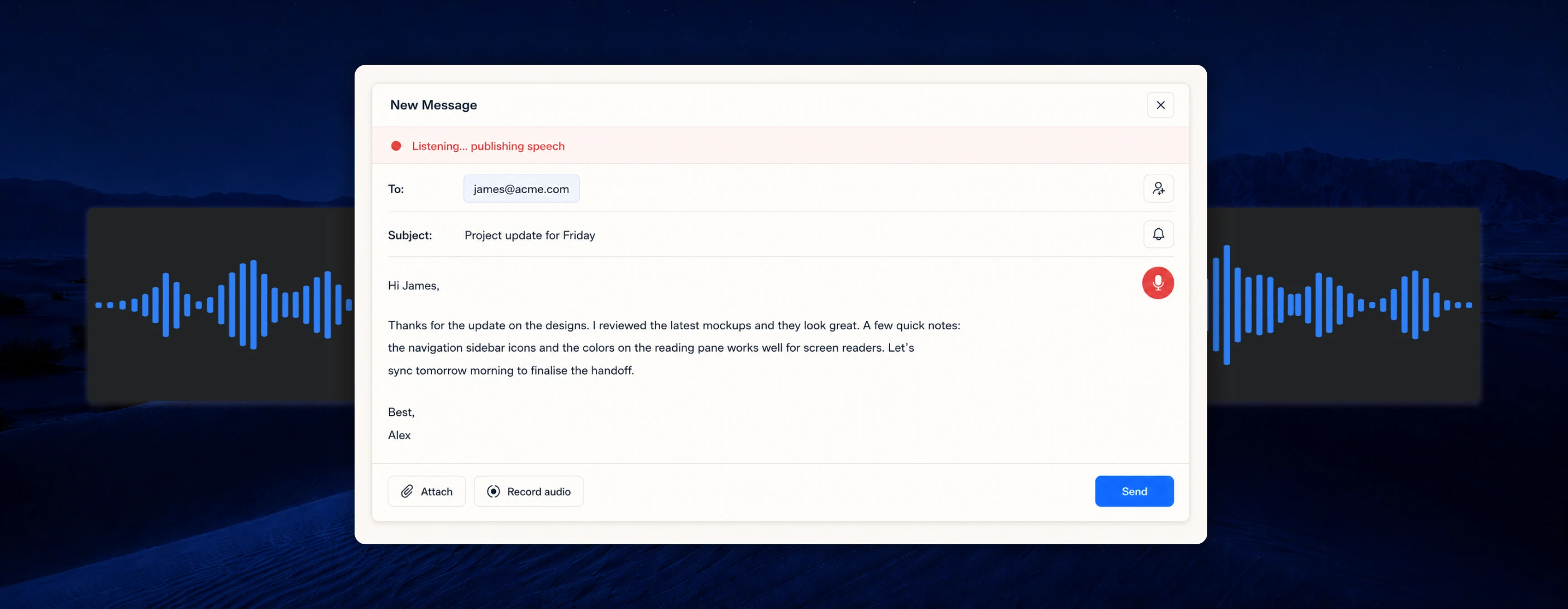
Dictation
Dictate freely with our proprietary on-device AI that polishes punctuation and filler words while keeping your meaning, tone, and details intact.
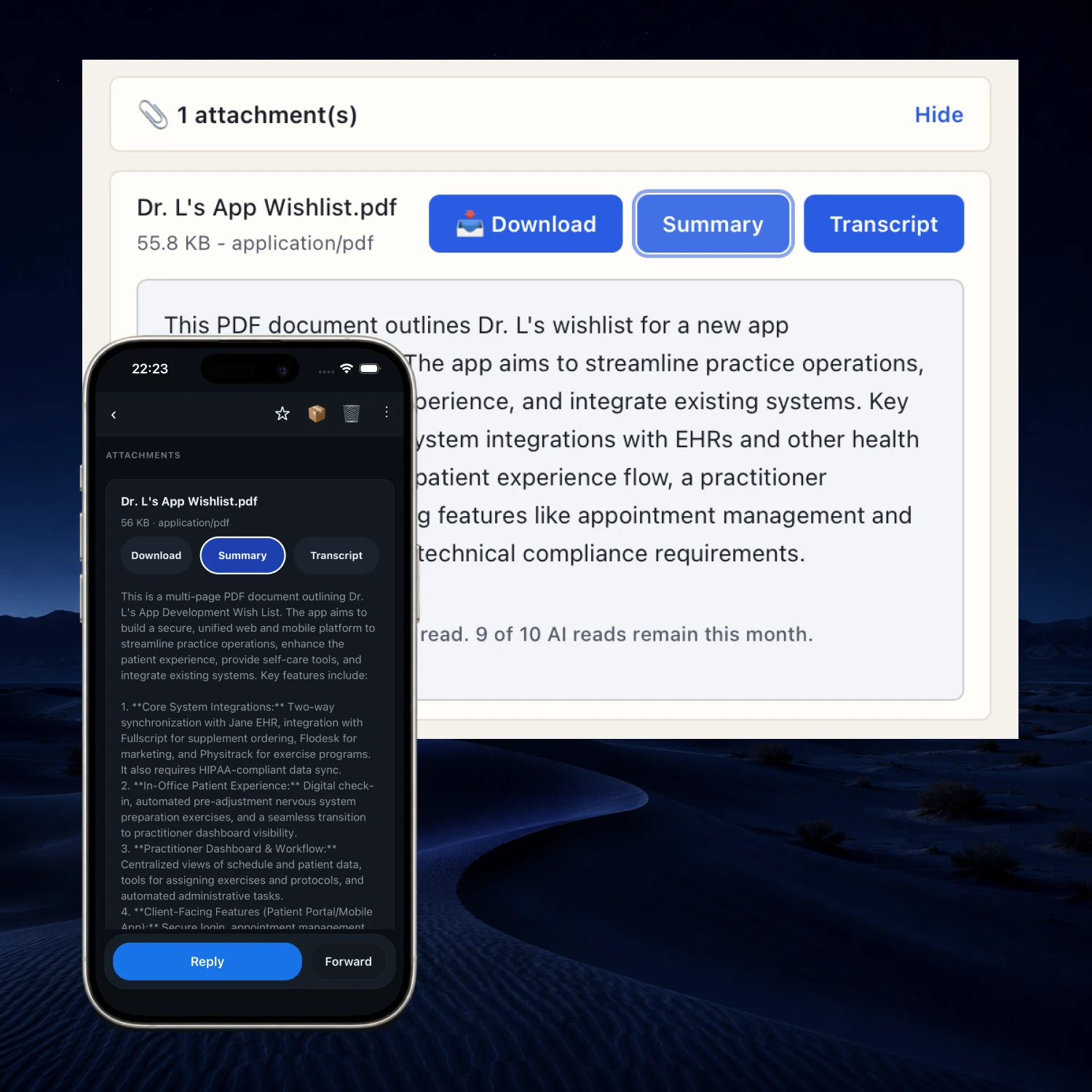
Attachments unlocked
Insight describes photos and summarizes PDFs as they arrive—so a receipt, scan, or image is never a blank mystery.
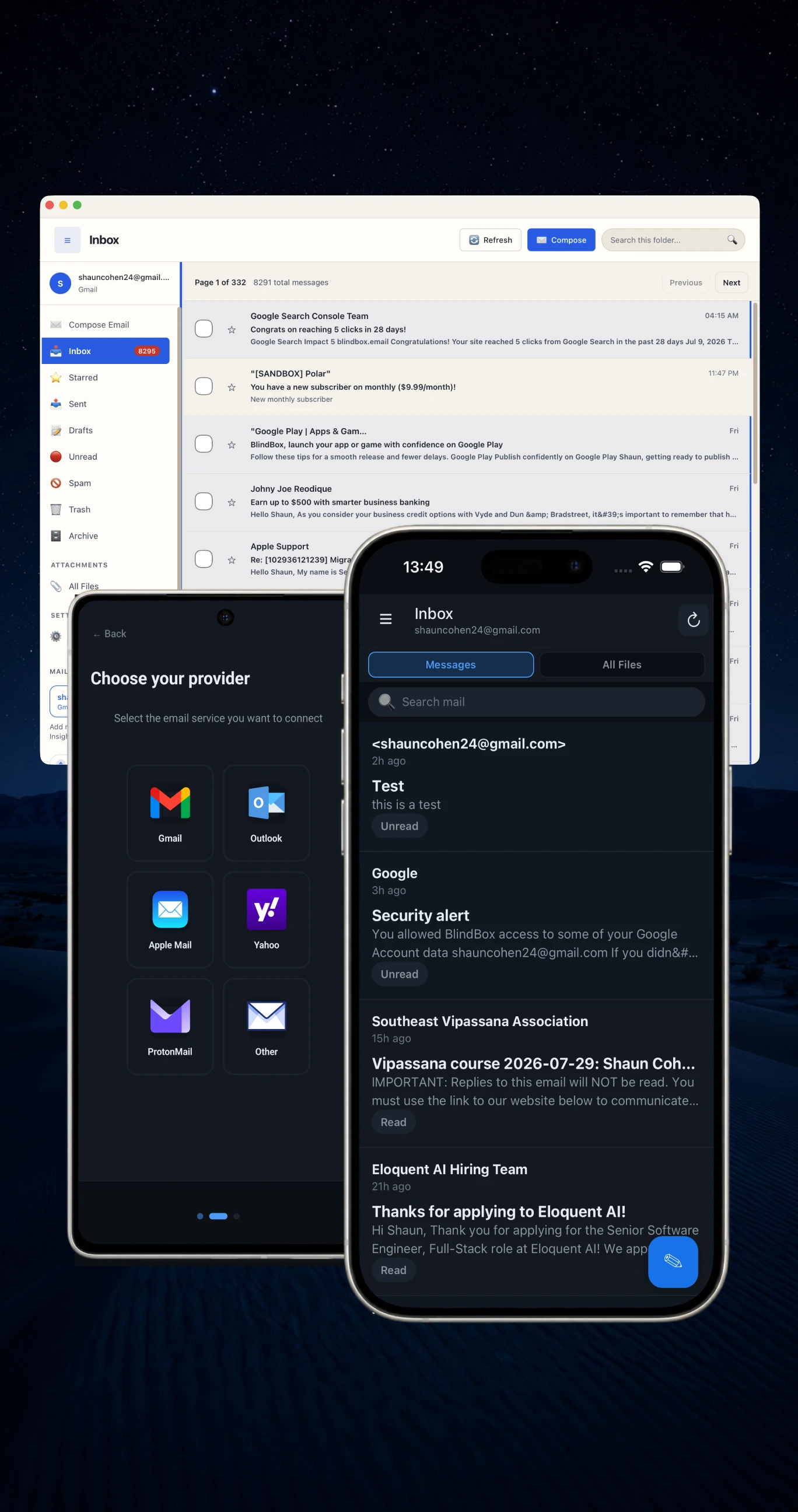
Everywhere you work
Apps for macOS, Windows, iPhone, and Android. Same product, built for each device—so your inbox feels familiar wherever you open it.
Daily workflow
Four small features that save real time once they become habit.
Record, preview, and attach a voice clip when speaking is faster—or clearer—than typing.
Say “read aloud,” “reply,” “archive,” “next message,” or “send email” to control an open message or composer without leaving the flow.
Every attachment across all your mail in a single list. Find what you need without clicking in and out of old threads.
Ask questions about your emails and get answers with AI. Stop searching for information and just ask for it.
Everything else you need
Multiple accounts, calendars, contacts, and careful security—the everyday necessities of email, built to stay accessible.
Gmail, Outlook, iCloud, Yahoo, Proton and any other IMAP email provider in one place — unified or by account.
Send invites to Google, Microsoft, or Apple. We connect to your calendar; we do not replace it...yet (BlindBox calendar coming soon!).
Open a clear, screen-reader-friendly list of recipients while you compose — or use our intelligent recipient dictation to quickly add multiple recipients.
Shortcuts, landmark jumps, and predictable focus paths for people who live at a desk.
Encrypted credentials, careful session handling, and CASA-certified controls accross all our apps.
Save accessibility preferences and connected inboxes to your BlindBox profile across devices.
Customize your experience
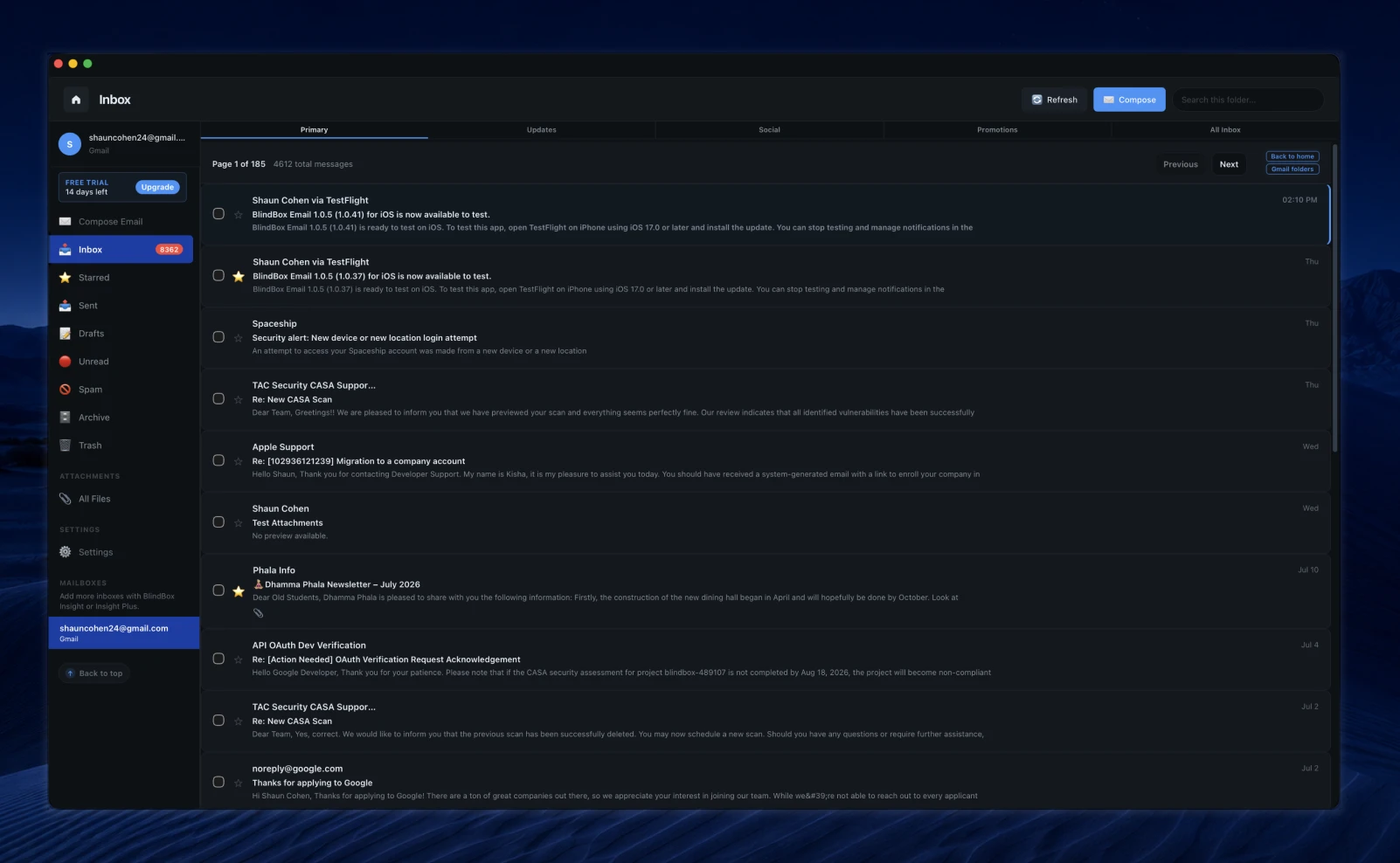
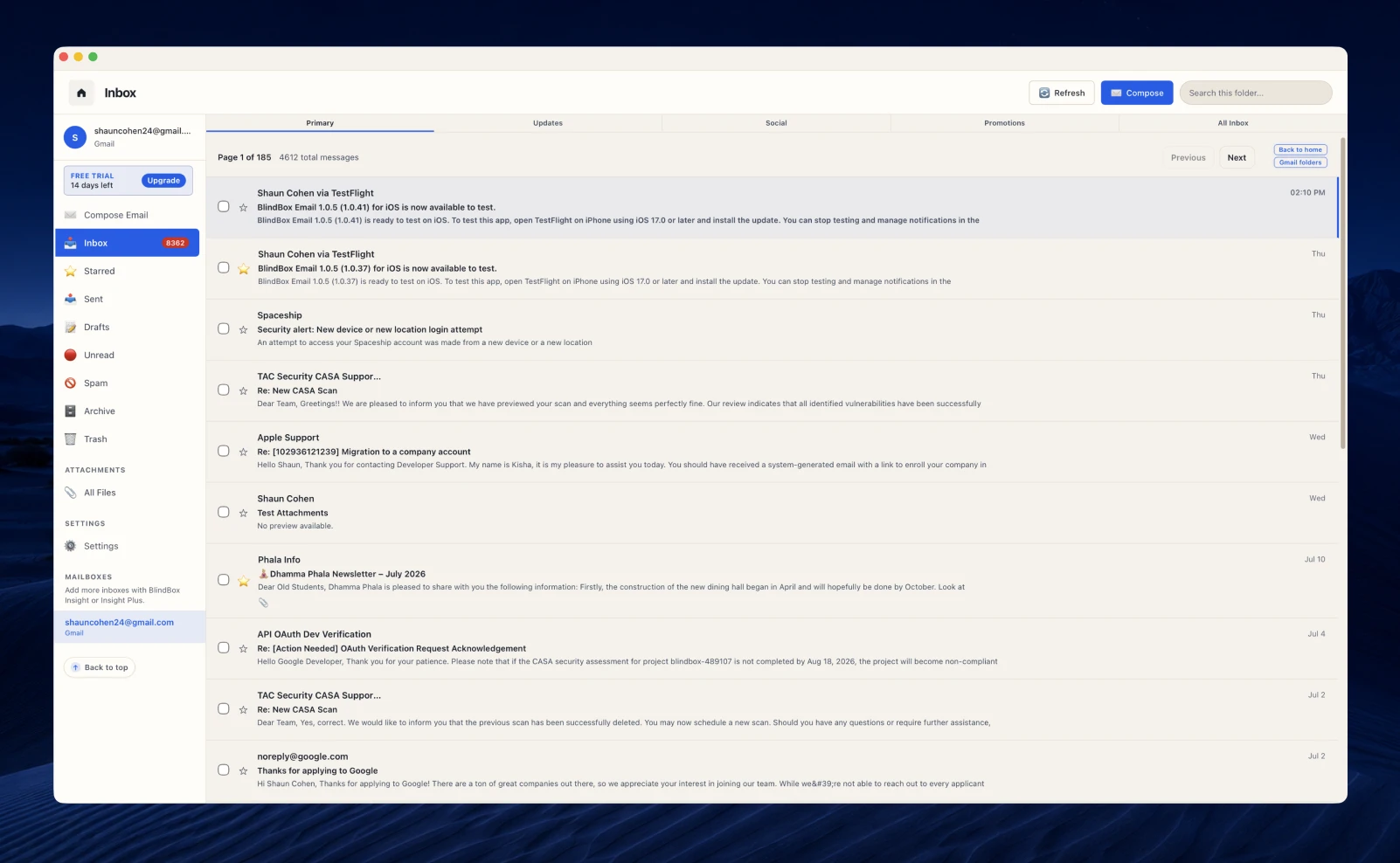
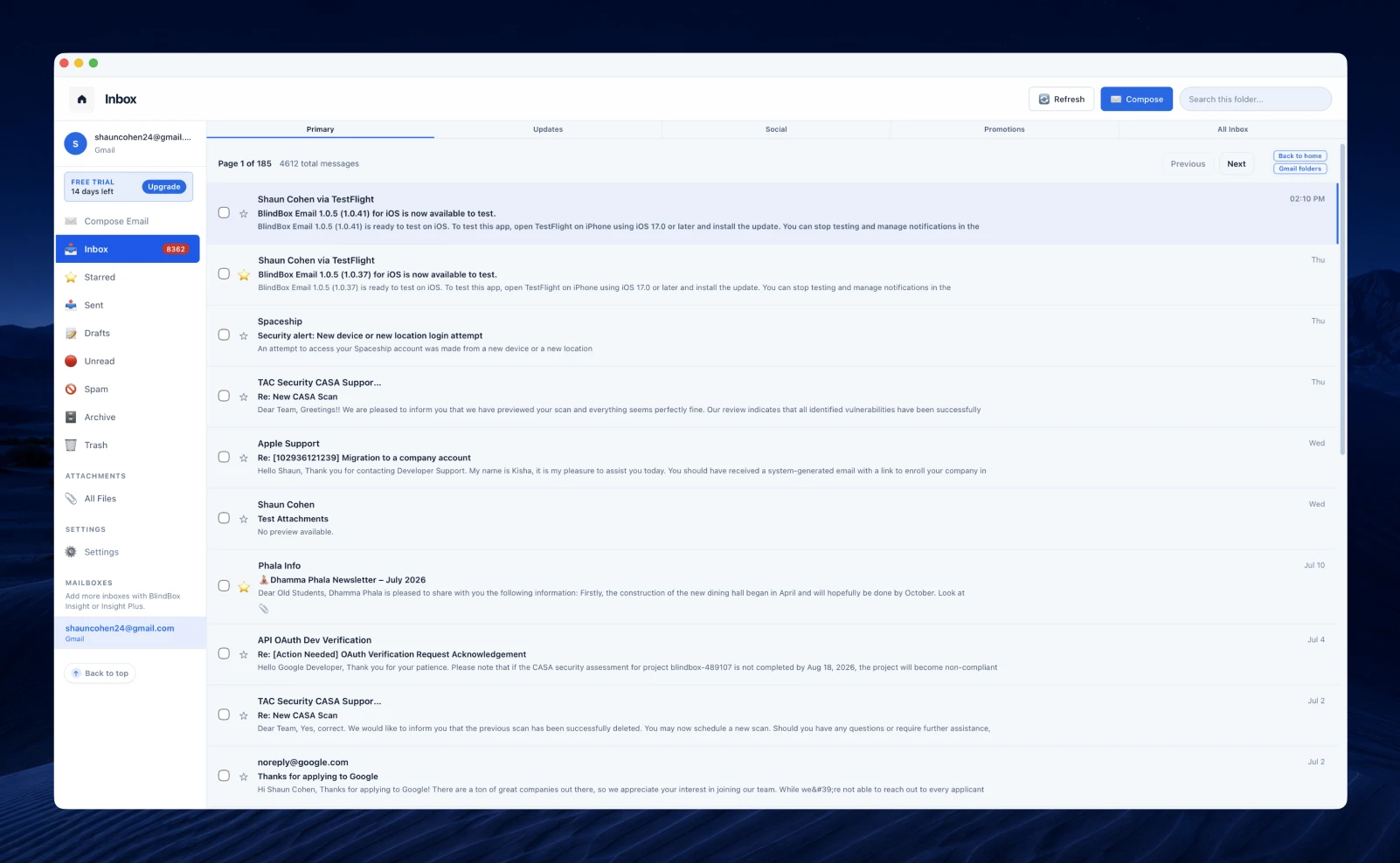
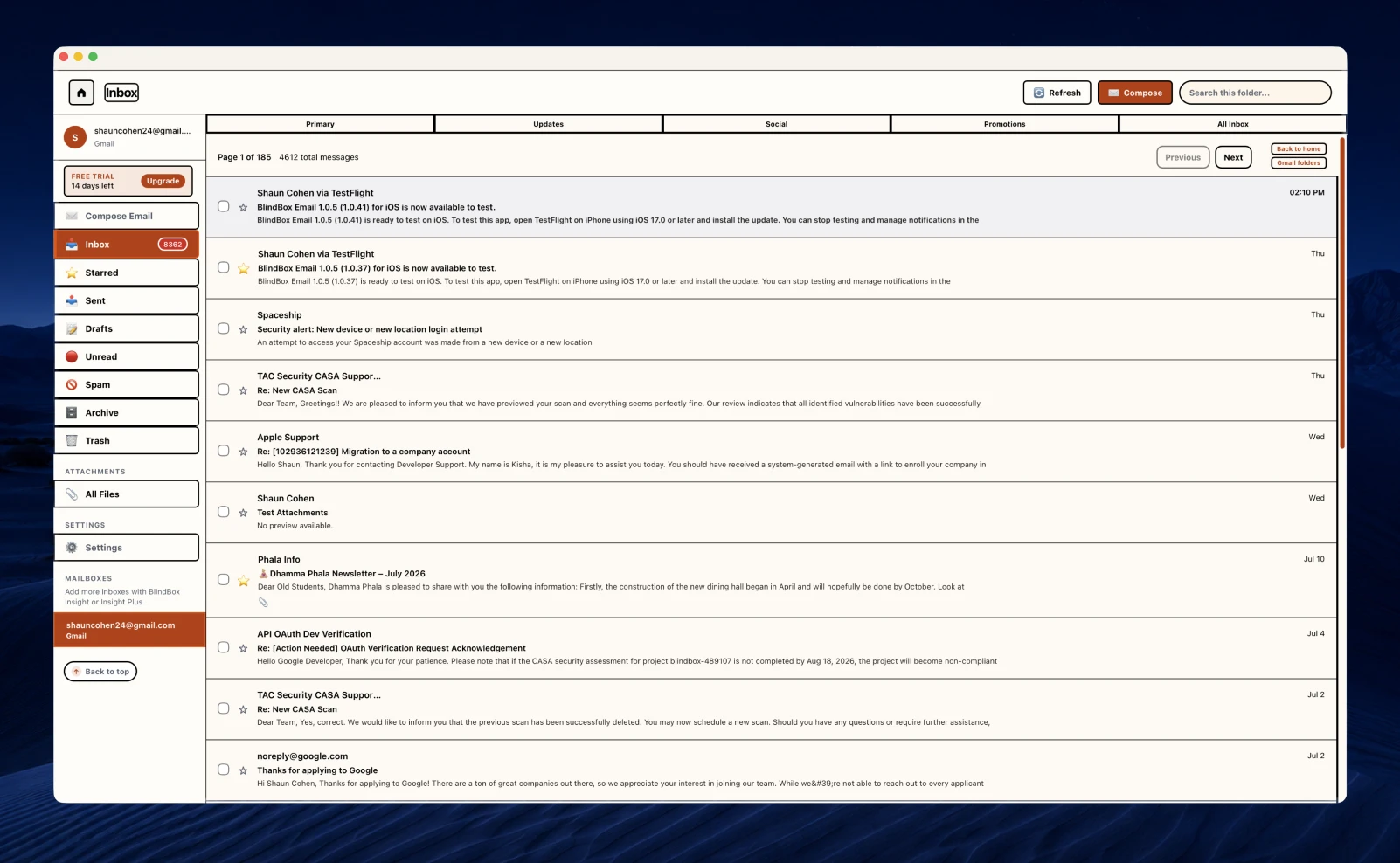
Scale text up to 200%, enlarge controls, and strengthen borders when you need clearer targets. Choose dark, light, warm paper, or high contrast—or tune the palette yourself.
From our users
The idea
"Blind Sight quiets the visual layer without teaching you a second product—folders, compose, and shortcuts stay familiar."
"I finally have an inbox that announces what changed and where I am. I am not guessing after every send or folder switch."
"Blind Sight is the first reduced mode that still feels like the same product—not a stripped-down afterthought."
"Voice replies and the Files tab sound small until you use them every day. They save me real time."
Why we built this
Most email apps treat screen readers as an afterthought. BlindBox starts with orientation and honest feedback, then adds the extra bells and whistles.
Principles
Three commitments that keep BlindBox useful, honest, and worth opening every day for the people it was made for.
If a flow is hard with a screen reader, it is not finished. Orientation and feedback come before polish.
Independence beats spectacle. We ship tools that remove friction—not features that look impressive in a demo.
Clear limits, honest pricing, and privacy-minded defaults. Reliability beats novelty.
Support Access
Support helps fund subsidized access, accessibility work, and outreach so BlindBox reaches more blind and visually impaired people.
Secure checkout via Stripe with Link and other eligible payment methods. Support payments go to BlindBox LLC, are not charitable donations, and are not tax deductible.
Download for the devices you use—then open the inbox you already have.